
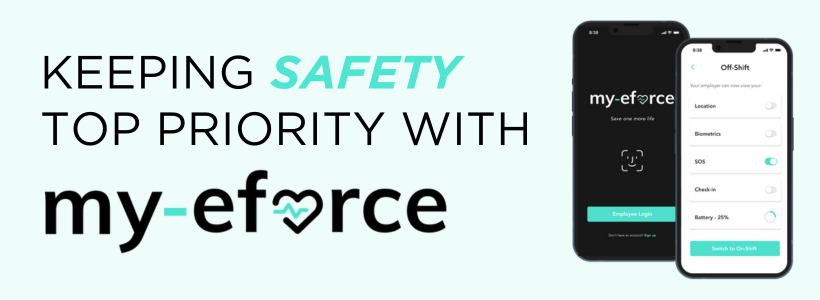
With the app installed on your mobile phone and/or Apple or Android smartwatch, you can discreetly send a distress message to have emergency services sent to your location without having to dial 9-1-1. Just hit the SOS button and the my-eforce emergency dispatch centre will send help.
Based on feedback from CREB® members and other REALTORS®, my-eforce recently added these new features:
Safety Circle / Silent Alarm
Tap the Silent Alarm button on the app, and friends, family and colleagues that you’ve added to your “safety circle” will be notified that you’re in an uncomfortable situation and would like them to call you.
Safety Phrase
Discreetly send an SOS message by saying a safety phrase of your choice, such as “be there soon” or “heading there next” that won’t tip off anyone that you’ve summoned emergency services.
Other key features include:
• Immediate emergency assistance with a single touch of a button on your phone or smartwatch
• 24/7/365 monitoring by a dispatch centre that will contact emergency services and send them to your exact location
• GPS tracking that can be turned on and off for privacy
• Safety timer to trigger SOS messages
• For use at work and in your personal time
• No cost to CREB® members
How to get the my-eforce app
The app is available for iPhone and Android phones, as well as Apple and Android smartwatches (you don’t need a smartwatch to use the app on your phone).
To register and download the app from the App Store or Google Play, click here.

{ 0 comments…}